5 Tips to Get Better Plants in Grow A Garden Roblox
Choosing the right crops in Grow a Garden Roblox can feel overwhelming when you’re trying to earn rewards, make progress, and keep your garden productive. You’re not alone—many players struggle to decide which plants deserve their time and space. These five tips can help you make better choices.
To get better plants in Grow a Garden, choose seeds that match your goals, whether you want quick harvests, valuable crops, or quest rewards. Reserve accessible plots for productive plants, and keep paths clear so your garden stays easy to manage.
Spend seeds and currency on crops you can maintain instead of chasing every trend. Check plants regularly, tend them when needed, then harvest promptly and replant.
As your goals and available space change, adjust your crop mix to keep your garden productive. The tips ahead can help you make each choice count.
Key Takeaways
- Choose seeds with short growth times for frequent harvests, or valuable crops that support your current goals.
- Check seed requirements, target fruits, mutations, and quest rewards before spending currency.
- Grow a few reliable crops alongside varied options, then adjust your mix as goals change.
- Reserve accessible garden plots for high-value or goal-focused plants, and keep paths clear.
- Tend plants regularly, harvest promptly, and replant crops that fit your schedule.
Choose Plants for Your Grow A Garden Goals
Choose seeds that match your goals in Grow A Garden. If you want quick progress, pick crops with short growth times so you can harvest and replant often. If you’re aiming for a particular fruit, mutation, or quest reward, check which seeds support that goal before spending your shekels. Your choices should fit the way you play, not just the latest trend.
Balance plant variety with a clear plan. Growing several crop types can give you more options for quests and harvests, while focusing on a few reliable seeds can make your routine easier to manage. Consider each plant’s growth time, value, and requirements, then decide what deserves your attention.
Smart resource allocation helps you save seeds and currency for crops that move you toward your target. You don’t need to chase every new seed; choose plants you can maintain and harvest consistently. As your goals change, review your choices and adjust your mix to keep your garden productive.
Use Garden Space for High-Value Crops
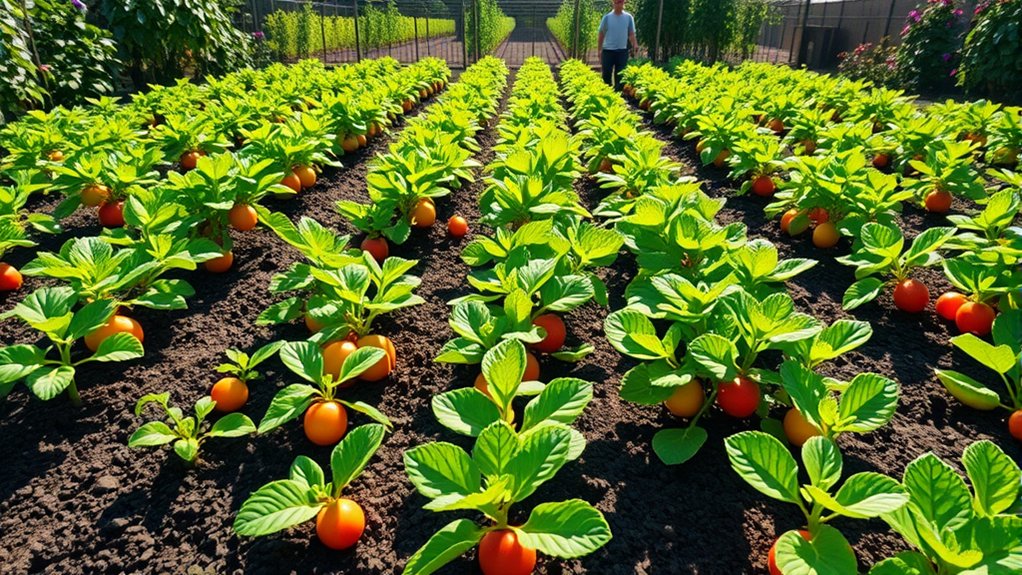
Make every plot count by reserving space for crops that offer strong value or support your current goals. A thoughtful creative layout helps you fit productive plants together without crowding them. Focus your space optimization on crops that earn well, grow quickly, or help you complete a specific objective. Keep a balance between reliable favorites and a few plants with greater potential, so one slow harvest won’t stall your progress.
- Give your most valuable crops the largest or easiest-to-reach plots.
- Group plants with similar growth needs to keep your garden organized.
- Leave clear paths so you can reach each crop without wasting time.
- Replace low-value plants when a better option fits your current goals.
- Save a small section for experiments instead of changing the whole garden.
Check your plot regularly and adjust as your priorities shift. If a crop stops helping you earn or progress, use its space for something more useful. You’ll get more from every harvest when each section has a clear purpose.
Choose Grow A Garden Seeds and Tools
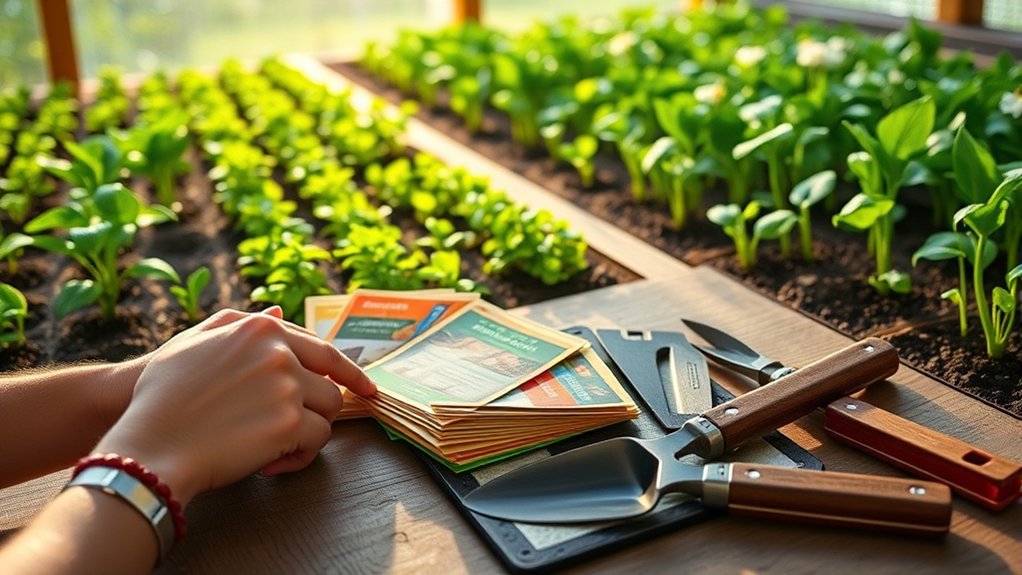
Pick seeds and tools that match your goals, whether you’re earning coins, growing quickly, or completing a task. For reliable profits, compare each seed’s cost, selling price, and harvest yield before you buy.
Your seed selection should fit both your budget and the space you have available. If you need quick results, choose crops with shorter growth cycles; if you’re saving for an upgrade, prioritize seeds that offer stronger returns.
Check your inventory and shop options before spending. You don’t need the rarest seed to make progress, so weigh its price against what it can earn.
Choose tools that help with your immediate plans, and avoid buying upgrades you won’t use. Tool optimization means getting useful benefits from each purchase, not collecting every item.
Keep some coins in reserve for seeds or equipment you may need later. When you’re working toward a specific objective, select the crop and tool combination that supports it. A thoughtful setup helps you make each purchase count.
Tend Your Plants for Steady Growth
Once your seeds are planted, tend them regularly to keep growth on track. In Grow A Garden, small, consistent actions help your crops develop well. Check your garden often, respond to changing conditions, and give each plant the attention it needs.
When you choose crops suited to your space and routine, you’ll find it easier to support steady growth and work toward an optimal yield.
- Check plant status: Look for signs that a crop needs care, and act promptly.
- Keep care consistent: Visit your garden regularly instead of letting plants go unattended.
- Manage your space: Arrange crops so you can reach and monitor them easily.
- Use tools wisely: Select the right available tools for the task to save time.
- Watch for changes: Notice how plants respond, then adjust your routine as needed.
You don’t need a complicated schedule; a quick check-in can make tending plants feel manageable. Stay attentive, follow each crop’s needs, and keep your garden in good shape as it grows.
Harvest and Replant Grow A Garden Crops
Regular care helps your crops thrive, and harvesting at the right time lets you make room for the next planting. Watch each plant’s growth, then collect it when it’s ready. Good harvest timing helps you earn rewards without leaving space idle.
After harvesting, check your plot and choose crops that suit your goals.
| Crop stage | What you should do | Benefit |
|---|---|---|
| Growing | Keep checking progress | Spot readiness |
| Ready | Harvest promptly | Free plot space |
| Empty plot | Select a new seed | Restart growth |
| Busy season | Plant quick growers | Get faster returns |
Use replant strategies to balance quick harvests with crops that take longer to grow. Plant fast-growing seeds when you want frequent rewards, and reserve room for slower options when you can wait.
Don’t fill every plot with the same crop; variety gives you flexibility as your plans change. Replant soon after harvesting, and you’ll keep your garden productive.
Track which crops fit your schedule, then adjust your choices as you gain seeds and expand your plot.
Frequently Asked Questions
Can I Play Grow a Garden Roblox With Friends?
Yes, you can play Grow a Garden with friends by joining the same Roblox server. Invite your friends through Roblox, or share the server link if that option’s available.
For can i play searches, the answer is yes: you can enjoy grow a garden together, though each player manages their own garden. Try these multiplayer tips: visit friends’ plots, compare crops, and coordinate activities.
Friend interaction makes gardening more social, so team up and explore the game together.
How Often Does Grow a Garden Receive Updates?
You’ll usually see Grow a Garden updates arrive weekly, often around the weekend, though the schedule can change. Major events may bring extra patches, while smaller fixes can appear between them.
Check the game’s Roblox page or official community channels for announcements, since developers can adjust the updates cadence without notice. If you want new content or improvements, share feature requests through the game’s official channels; your feedback may help guide future updates.
What Pets Can Help in Grow a Garden?
Pets that assist in Grow a Garden include the Dog, Cat, Bunny, Bee, and Dragonfly, though each offers different benefits. Your Dog can dig up seeds, while your Cat may help nearby plants grow faster.
A Bee can pollinate crops, and a Dragonfly can mutate them. Companion boosts vary by pet, so choose one that suits your goals. Check each pet’s ability before placing it in your garden.
How Do I Trade Items With Other Players?
Open the trading menu, select an available item, then choose another player and send your offer. Ready to make a fair deal? Check each item’s trade value before confirming, and follow good trading etiquette: review the offer carefully and never share account details.
You can arrange friend play to trade with people you trust. Since updates cadence may change trading features, check current game notices. Your free to play status and pets helpers don’t guarantee special trading access.
Is Grow a Garden Free to Play?
Yes, Grow a Garden is free to play on Roblox, so you can start farming without paying. You can plant seeds, grow crops, and trade with other players at no cost.
However, optional in-game purchases may offer items or convenience, and you’ll need Robux to buy them. Is it free to play? Yes, but you don’t need to spend money to enjoy the core game or make progress.
Conclusion
Better plants in Grow A Garden don’t come from luck alone; they come from choices you make every day. Match crops to your goals, give valuable plants room, and choose seeds and tools with care.
Then tend your garden steadily, even when progress feels slow. Harvesting brings a quick reward, but replanting builds what comes next.
Balance patience with action, and small plots with smart planning. With these habits, you can grow better plants in Grow A Garden and turn each harvest into a fresh opportunity.